Russian Text Generator – Copy Paste Stylish Cyrillic & Russian Text In Style
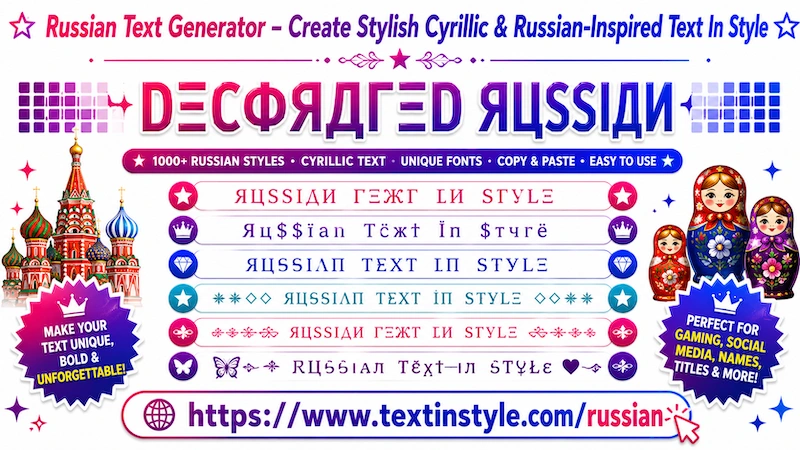
Russian Text In Style is a fancy text that makes your normal English text look similar to Russian-style fonts.
As you know, the Russian alphabet has unique-looking letters and symbols. When you convert your normal text into
Russian Fancy Text, the tool replaces some English letters with similar-looking Russian-style characters and
symbols.
Even though the text looks like Russian writing, it is still written in English and can be read normally in
English. It is not actual Russian language text style that only looks like Russian because of the mixed symbols
and special characters.
This makes the text look unique, stylish, and eye-catching. You can use it for usernames, nicknames, names,
messages, gaming profiles, and social media bios to stand out from others.
What is Russian Style Text?
Russian-style text uses decorative Unicode fonts and Cyrillic-inspired
typography to create bold, mysterious, and stylish text effects.
These fonts are popular in gaming communities,
dark aesthetic profiles, and creative online usernames.
Example:
Normal Text:
Dark Shadow
Russian Style Text:
ДΛЯК ЅНΛĐØЩ
ЯЦЅЅЇΛИ ЅТУŁΞ
☭ Dark Soul ☭
『ЯUSSIAИ』
ᗪΛЯҠ ҠЇИG
How to Copy and Paste Russian Fancy Text In Style
It is very easy to do. Simply click on the Input Bar and type your text, name, nickname, or message.
Once you type your text, the tool will automatically generate many Russian Fancy Text In Style for you.
By default, you will see around six Russian Fancy Text Styles.
Now, simply click on any style that you like. Once you click it, a green notification saying "Copied" will
appear.
When you see that notification, it means the text has been copied successfully. Now you can paste or share it
anywhere you want.
How to Use the Regenerate It Button?
It is very easy to use. You will find the "Regenerate It" button on the right side, below the bulb icon.
Keep in mind that this feature only works if you scroll to Decorative Russian text styles.
First, click on the "More Russian Text Styles" button. Once you do that, the tool will load 10 more unique
Decorative Russian text styles.
You can continue clicking the button to load more styles. However, if you do not want to scroll down repeatedly,
you can simply use the regenerate it button.
When you click the "Regenerate It" button, the currently visible Decorative Russian text styles will
instantly change into new and unique styles.
Click it once, and you will get new styles. Click it again, and more unique styles will appear. This feature is
perfect for users who want to quickly explore new fancy text styles without scrolling.
Copying works the same way as before. Simply click on any style that you like, and the "Copied"
notification will appear. Then you can paste or share it anywhere you want.
How to Make Russian Fancy Text Styles Bigger or Smaller
It is very easy to do. Below the Input Bar, you will see a slider.
If you move the slider to the right side, the Russian Fancy Text will become bigger. If you move it to the left
side, the text will become smaller.
Keep in mind that this size effect is only for preview purposes on the website. It does not permanently change the
actual text size after copying and pasting.
When you paste the text somewhere else, the final size depends on the font size settings of the user's device or
platform.
For example, if their system font size is large, the fancy text will appear larger. If their font settings are
smaller, the text will also appear smaller.
Where Can I Share These Russian Text Styles?
You can use and share Russian Fancy Text Styles on almost all digital devices and online platforms.
These fancy text styles are created using Unicode characters. So, as long as a device or platform supports
Unicode, the text should display correctly.
For example, you can use them on social media platforms like Facebook, Instagram, TikTok, Twitter, and YouTube.
You can also use them in messaging apps like WhatsApp and Snapchat.
They are also popular for gaming nicknames in games like Free Fire, PUBG, Call of Duty, and many other online
games where players want unique usernames.
In most cases, Russian Fancy Text Styles work almost everywhere online.