Crowned Text Generator – Copy Crown Symbols & Royal Stylish Fonts
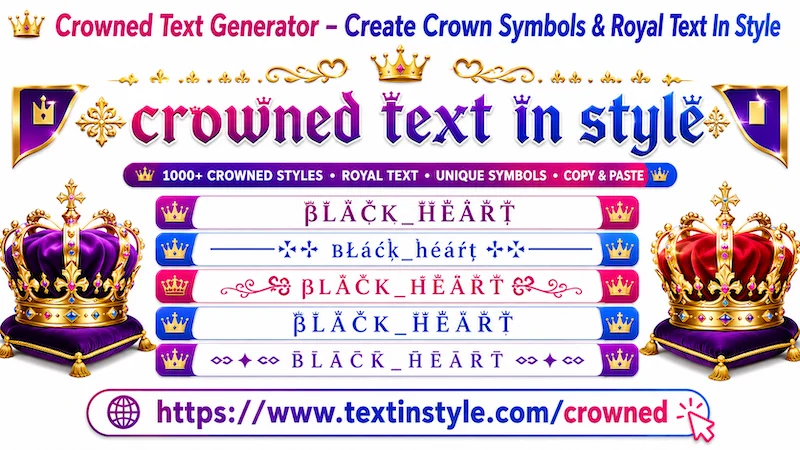
Crowned Text In Style is a stylish fancy text that adds crown-like symbols to your text. These decorative symbols appear above your text, making it look like your words are wearing like a crown. That is why it is called Crown Fancy Text.
Here, you can generate many unique crown fancy text styles for your names, nicknames, messages, and more.
By default, you will see around six crowned fancy text styles. Along with that, you will also find decorative crown fancy text styles. These decorative styles offer more customization and functionality.
Decorative crown text styles add extra symbols, emojis, kaomoji, and stylish decorations to your text, making it look even more unique and attractive.
If you want to load more decorative crown text styles, simply click on the button called "More Crown Text in Style". Once you click it, this will generate 10 more unique crown fancy text styles.
You can click the button again and again to load more styles. In this way, you can explore more than 100 unique decorative crown fancy text styles.
How to Copy and Paste Crowned Text In Style?
It is very easy to do. First, click on the Input Bar and type your text, message, nickname, or name.
Once you type your text, the tool will automatically generate many fancy text styles for you.
Now, simply click on any style that you like. Once you click on it, you will see a notification saying
"Copied".
When you see that notification, it means the text has been copied successfully. Now you can paste or share it anywhere
you want.
How to Use the Regenerate It Button
It is very easy to use. However, remember that the "Regenerate It" button only works with decorative crown
fancy text styles.
First, find Decorated Crowned section. You will find it below Crowned fancy text styles.
Now click on the regenerate button that is on the right side, below the bulb icon. When you click it, the currently visible
decorative crown text styles will instantly regenerate into new and unique crowned text styles.
Click it once, and you will get new styles. Click it again, and you will get even more unique styles. As long as you
keep clicking, the tool will continue generating new decorative crown fancy text styles for you.
Copying works the same way as before. Simply click on any style that you like. Once clicked, you will see the
"Copied" notification. Then you can paste or share it anywhere you want.
How Can I Make Crowned Fancy Text In Style Bigger or Smaller?
It is very easy to do. This is one of the useful features available on this website.
Below the Input Bar, you will see a slider. If you move the slider to the right side, the crown fancy text size will
become bigger. If you move it to the left side, the text size will become smaller.
Keep in mind that the size changes you see here are only for preview purposes. The actual text size after copying and
pasting depends on the font size settings of the user's device.
For example, if a phone uses a default font size of 16 pixels, the text will appear in that size. If another device
uses a larger font setting, the text will also appear larger there.
Where Can I Use Crowned Fancy Text In Style?
You can use crown fancy text styles almost everywhere on digital devices.
These fancy text styles are created using Unicode characters. So, as long as a device or platform supports Unicode,
the fancy text styles will work properly there.
For example, they work on social media platforms like Facebook, Instagram, TikTok, and many more places. It also works on online community websites.
It also works on computers, smartphones, keypad phones, and almost all types of digital devices.
You can even use them for printing purposes. For example, if you copy crowned fancy text styles into a PDF document and
print it, the printed text will appear exactly as it looks in the PDF.
So, you can use crown fancy text styles both online and offline in many different ways.