Glitch Text Generator – Copy Distorted & Cyberpunk Stylish Text In Style
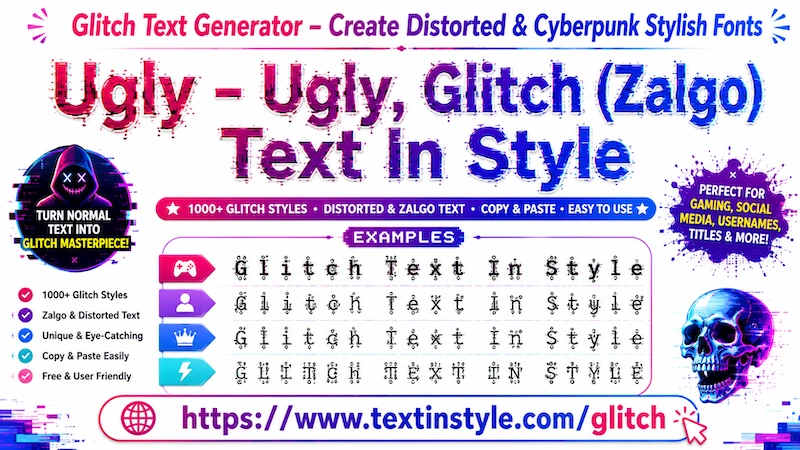
Ugly Fancy Text Style is a unique text style that transforms your normal text into a mixed and unusual-looking fancy font style.
Even though the name says "Ugly," it does not mean the text actually looks bad. The style uses mixed symbols, special characters, and unique fonts to create a chaotic and creative appearance.
Sometimes the text may look difficult to read at first glance, but it is still readable in most cases. The combination of unusual symbols and decorative fonts gives the text a bold and eye-catching look.
That is why it is called Ugly Fancy Text Style. It looks unique and stylish, making it perfect for usernames, nicknames, names, gaming profiles, bios, and messages.
How to Use Glitch (Ugly) Text Generator?
It is very simple to use. First, click on the Input Bar and type your message, name, nickname or anything.
Once you type your text, the Ugly Glitch Fancy Text Styles will automatically generate for you.
You will notice three options: Top, Middle, and Bottom. These are customization features that control where the glitch effects appear on your text.
If you click on Top and the check mark is enabled, the glitch effect will appear only at the top of the text.
If you click it again, the effect will be removed and the text will return to normal. If you click it again, the top glitch effect will appear once more.
If you click on Middle, the glitch effect will appear on both the top and middle sections of the text.
If you click on Bottom, the glitch effect will appear on the top, middle, and bottom parts of the text.
You will also see a Max Height option. If you move the slider to the right side, it will increase the height of the glitch effect. If you move it to the left side, it will decrease the height.
There is also a Height Random Generation option. By moving the slider left or right, you can control the randomness and variation of the glitch height effect, making the text look more unique and dynamic.
These features allow you to fully customize the appearance of your Ugly Glitch Fancy Text Styles.
Can I Use Flourish Nickname Option Here?
Yes, you can use it.
Once your fancy text styles are generated, you will see a design icon button on the right side. Click on it, and the Flourish Nickname options will appear.
Here, you will see different style categories such as Cute Flourish, Kawaii, Gamers, and more.
For example, in Cute Flourish, the tool adds cute symbols, Japanese kaomoji, hearts, sparkles, and decorative elements to make your text look more adorable and unique.
If you choose Gamers Flourish, the tool will add gaming-related symbols and effects to your text.
You can also use the Regenerate button to generate more unique styles. Simply click it again and again to create new decorative fancy text styles instantly.
Copying is very easy. Just click on any style that you like. Once you click it, you will see a "Copied" notification.
That means the text has been copied successfully, and now you can paste or share it anywhere you want.
Can I Make Ugly Text Style Look Bigger and Smaller?
Yes, you can easily do that.
Below the Input Bar, you will find a slider.
Move the slider to the right side to make the Ugly Text Style bigger. Move the slider to the left side to make it smaller.